1099 Tax AI Tool
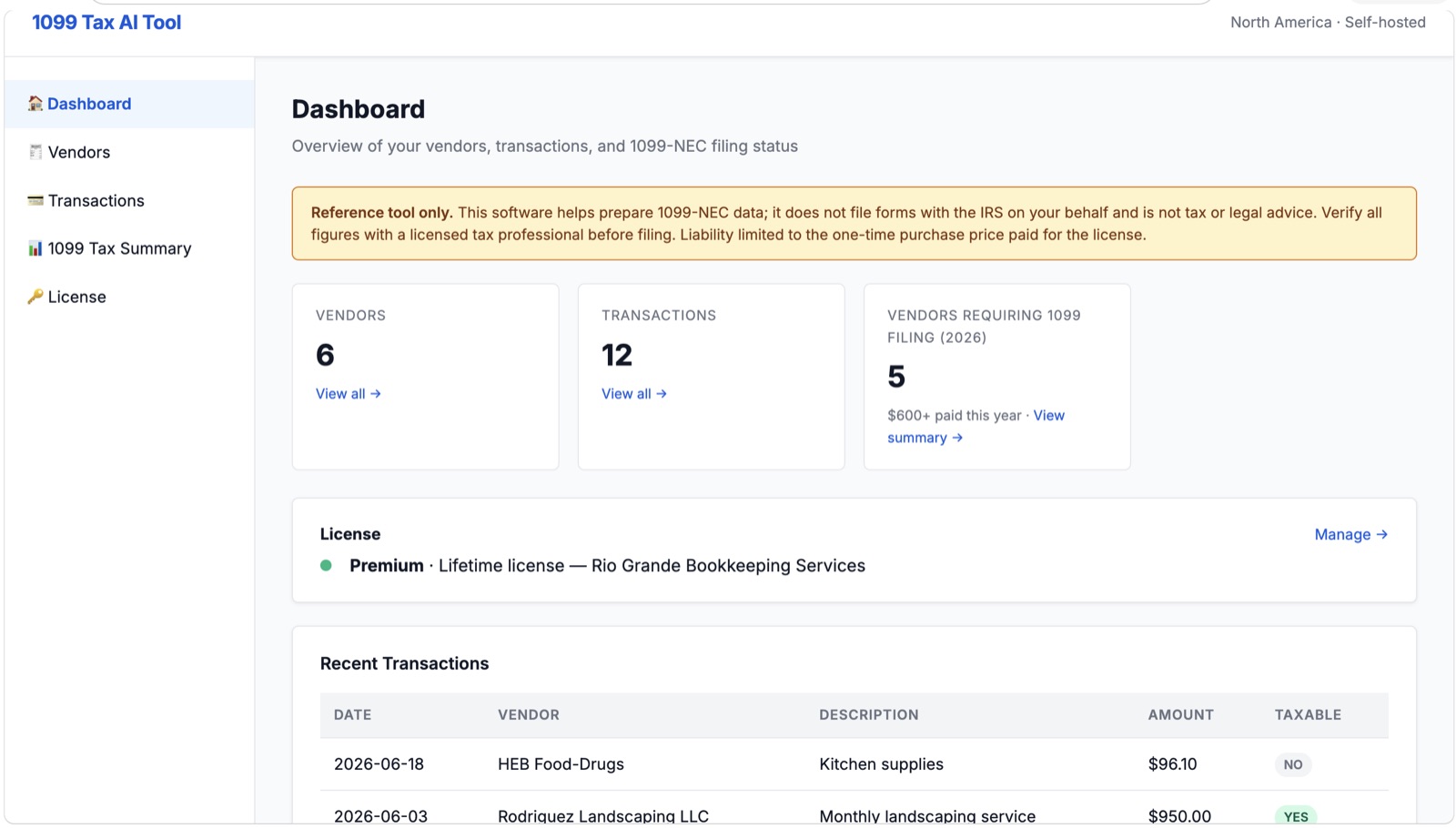
Track every contractor you pay, see who crosses the $600 threshold, and export 1099-NEC data for your tax preparer, on your own computer, for a one-time price.
$109
One-time payment. No subscription. 2 activations per license.
What it does
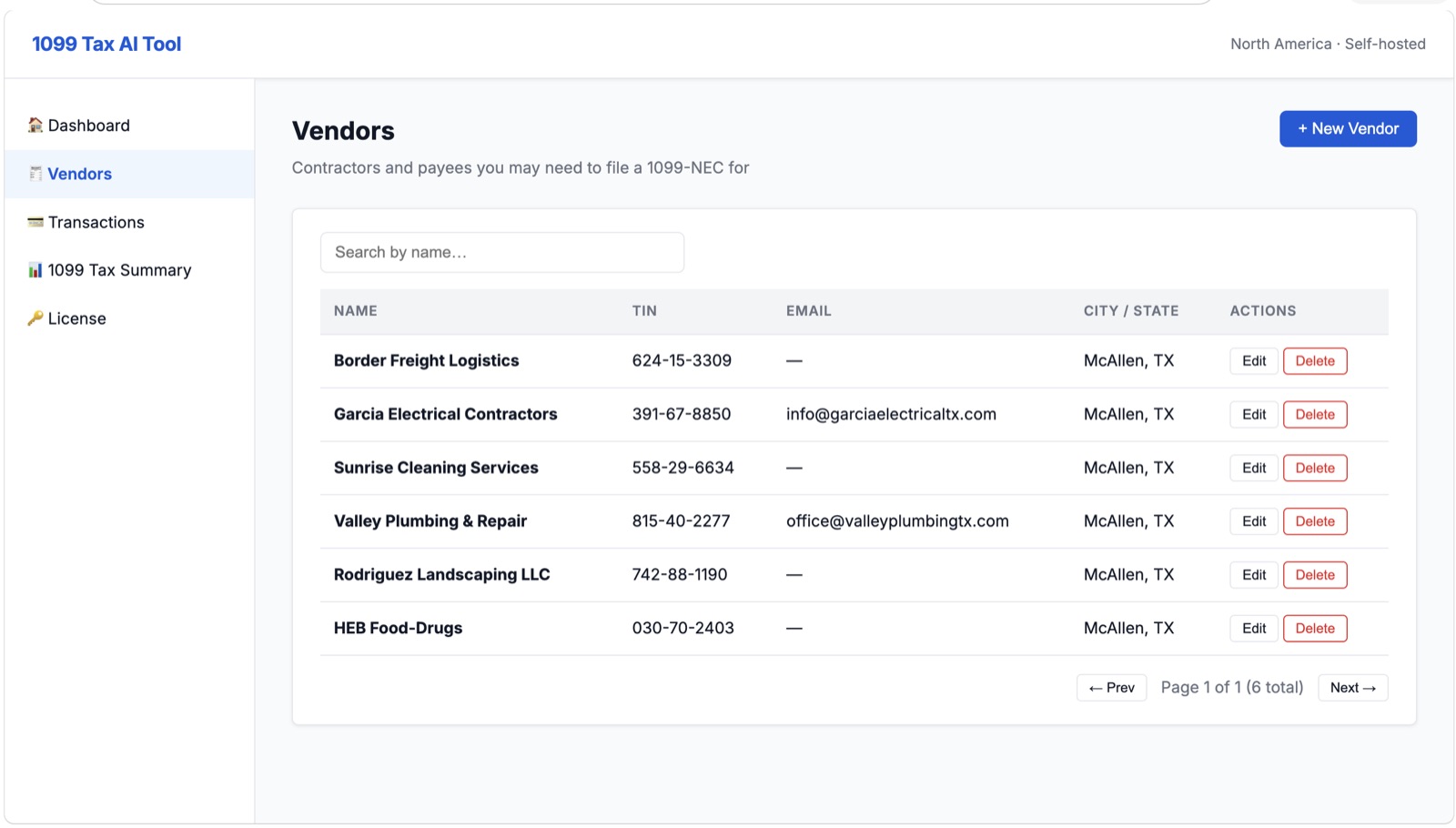
Vendor management
Store each contractor's legal name, TIN, address and contact details in one place.
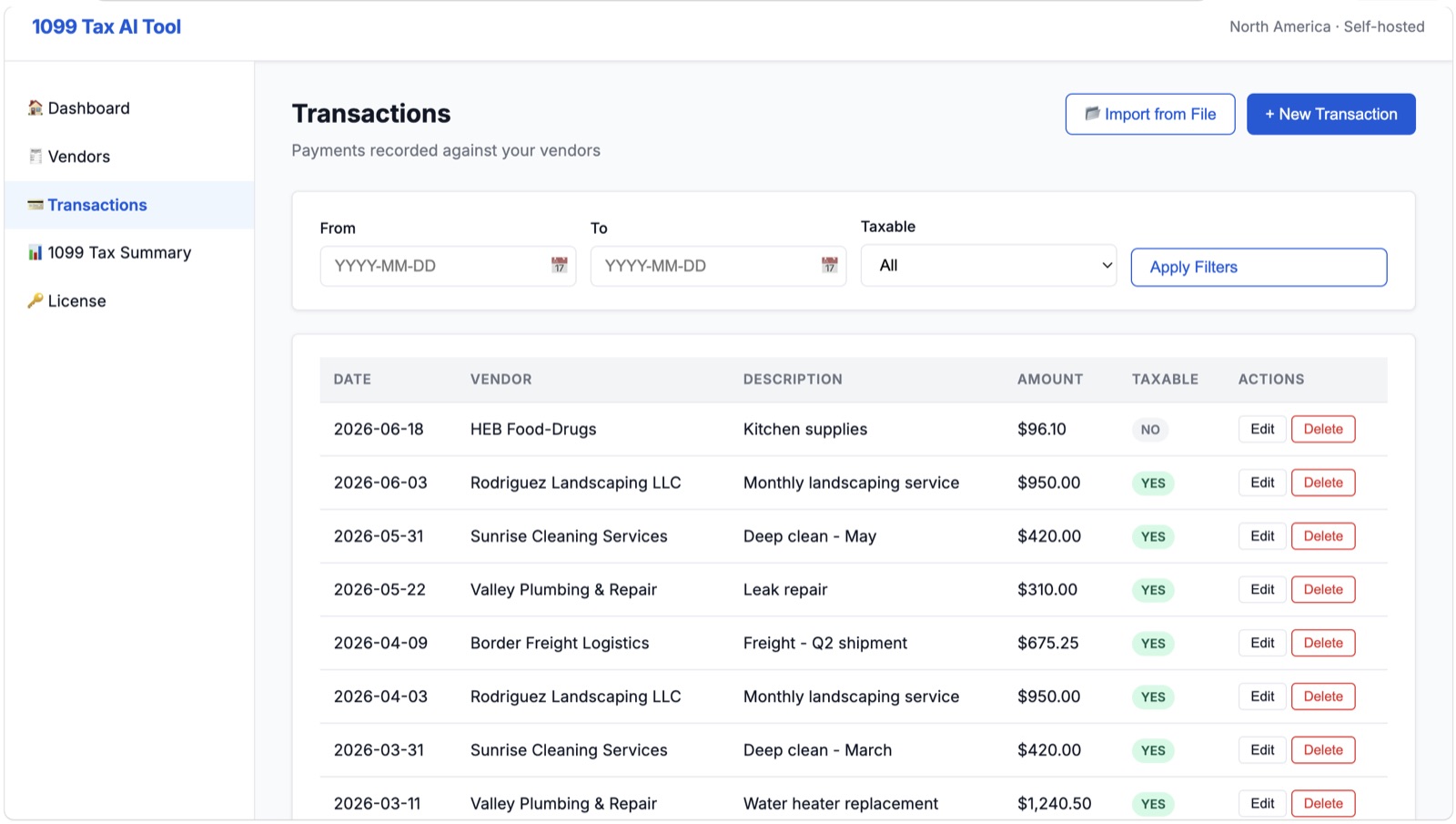
Payment tracking
Record payments by hand, or import them from your bank or PayPal CSV export.
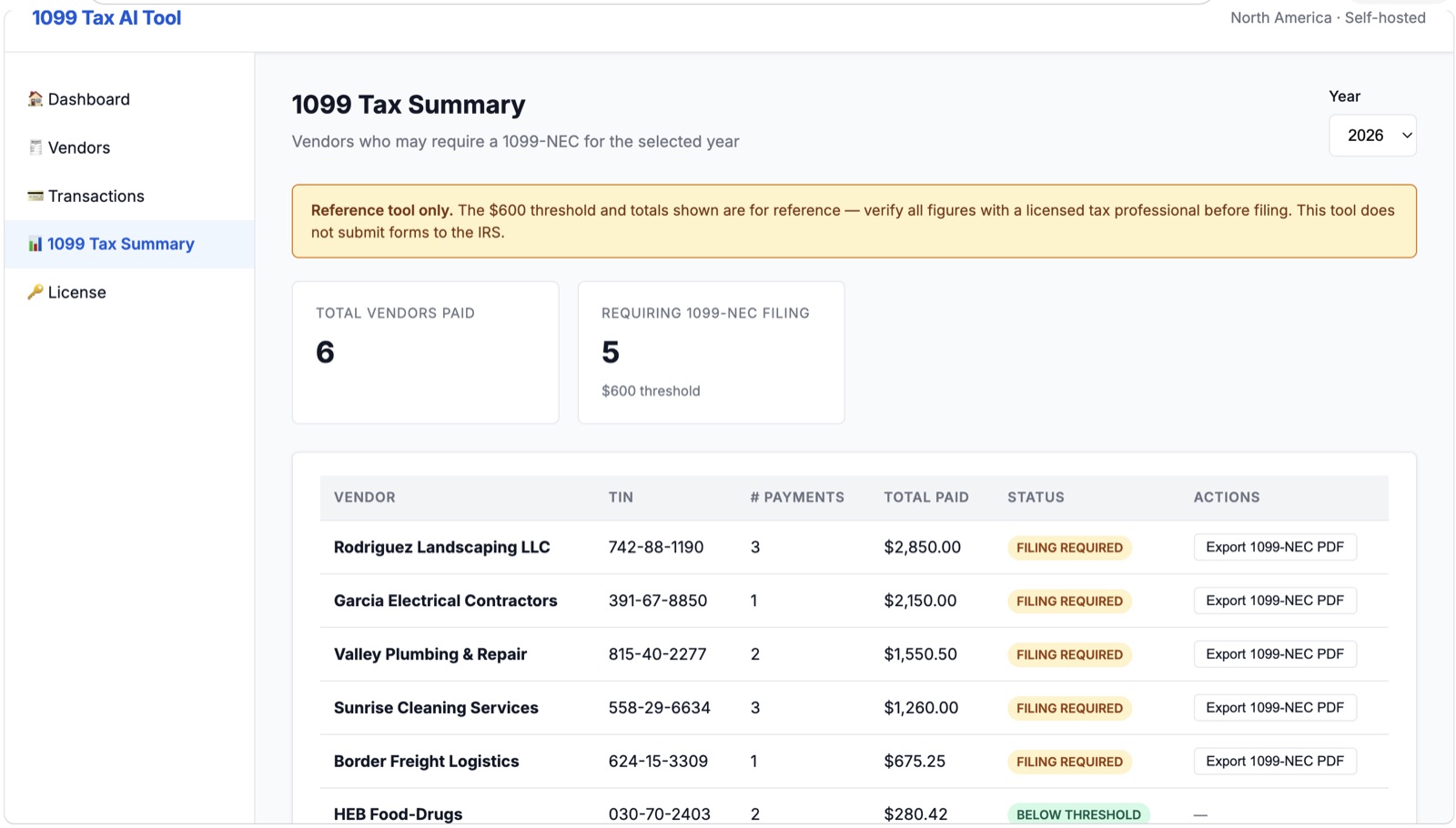
Live $600 threshold
See at a glance which vendors need a 1099-NEC this year, per vendor and per tax year.
1099-NEC PDF export
Generate a pre-filled 1099-NEC PDF per vendor, ready to review with your preparer.
AI-assisted import
Upload a statement export in almost any bank's layout and AI turns it into clean transactions matched to your vendors. Uses your own Anthropic API key.
Private by design
Contractor TINs and payment history stay in a single local file on your computer. Nothing is uploaded to us.
Screenshots
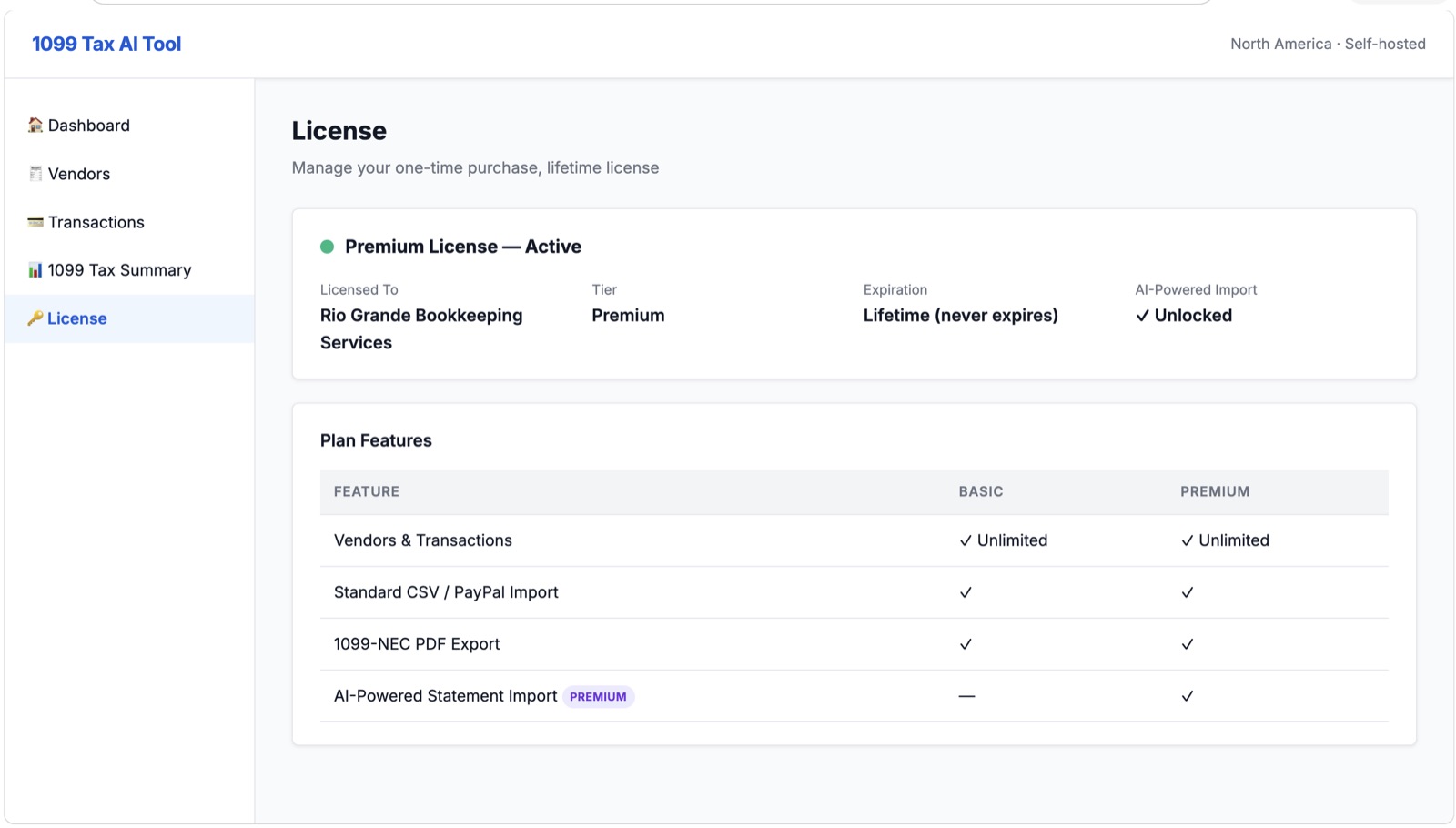
Requirements
- Node.js 20 or newer (free, from nodejs.org) on Windows, macOS or Linux
- Comfort running a few terminal commands. Setup is 4 steps and takes about 5 minutes.
- No database account needed. Data is stored locally automatically.
- For AI-assisted import only: your own Anthropic API key (pay-as-you-go, billed by Anthropic). Everything else works without it.
What you get
- The complete application (zip download) with setup guide
- A lifetime license key, emailed instantly
- 2 activations per license (e.g. office and home computer)
- All features unlocked, including AI-assisted import
Important: 1099 Tax AI Tool is a reference tool for preparing 1099-NEC data. It does not file forms with the IRS on your behalf and is not tax or legal advice. Always verify figures with a licensed tax professional before filing.